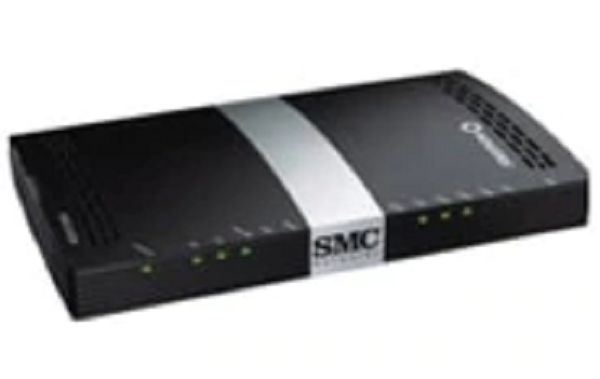
Sign into your Rogers modem to change and manage its capabilities, like resetting your WiFi password, setting up Bridge Mode, restoring its factory settings and more.
To get started, select your Rogers modem:
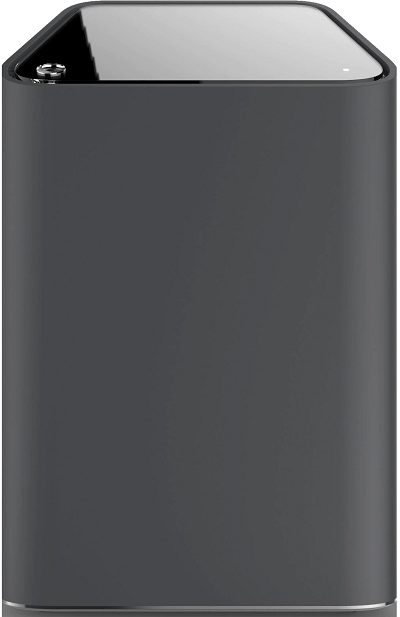

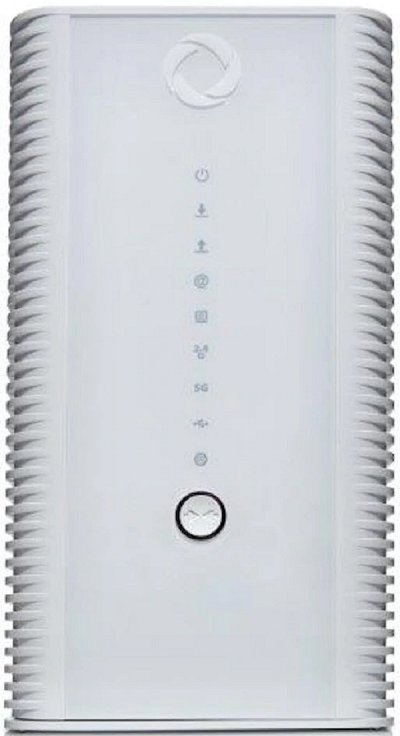
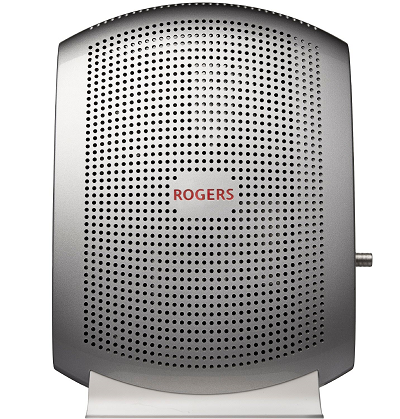
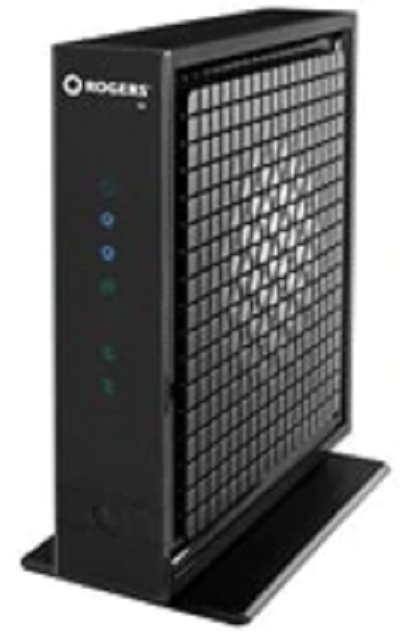 Hitron CGNM3552, CGN3ACR OR CGN3
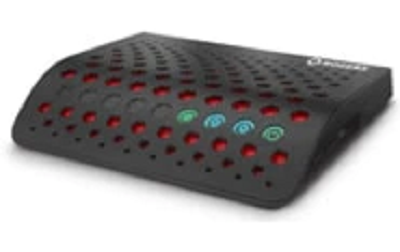
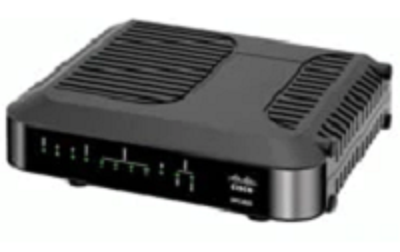

Sign into your Rogers modem to change and manage its capabilities, like resetting your WiFi password, setting up Bridge Mode, restoring its factory settings and more.
To get started, select your Rogers modem:
Hitron CGNM3552, CGN3ACR OR CGN3
If your modem isn’t listed, please call 1 855 381 7839 for help.