
Loading...

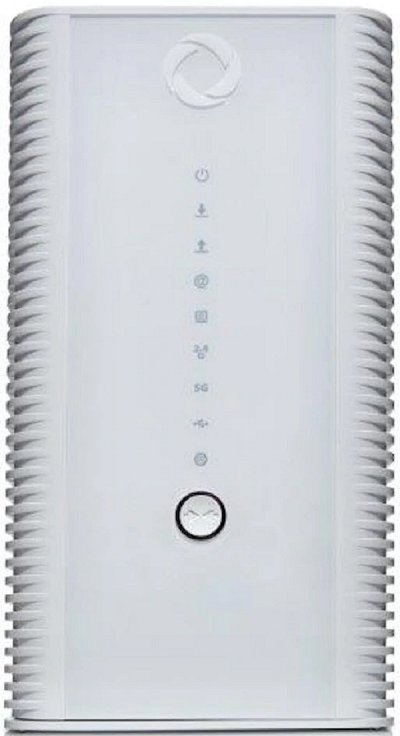
How to Manage your Hitron CODA 4582 Guest Network

support-internet-coda-modem-rogers

You can view, manage and change the credentials for your guest WiFi network any time. Just follow these steps.

If this isn't your modem, click here to find yours.

  1. Open a web browser and visit 192.168.0.1.
  2. Sign in using the following credentials:
    • Username: Cusadmin
    • Password: password (or your easy connect WiFi password)
  3. Select Wireless.
  4. Select Basic Settings.
  5. Select Guest.
  6. From here, you can toggle your guest WiFi network on or off, change the network name or password, and set the maximum number of guests permitted to use it (up to 10).
  7. If you make any changes, select Save Changes to finish.